Table of contents
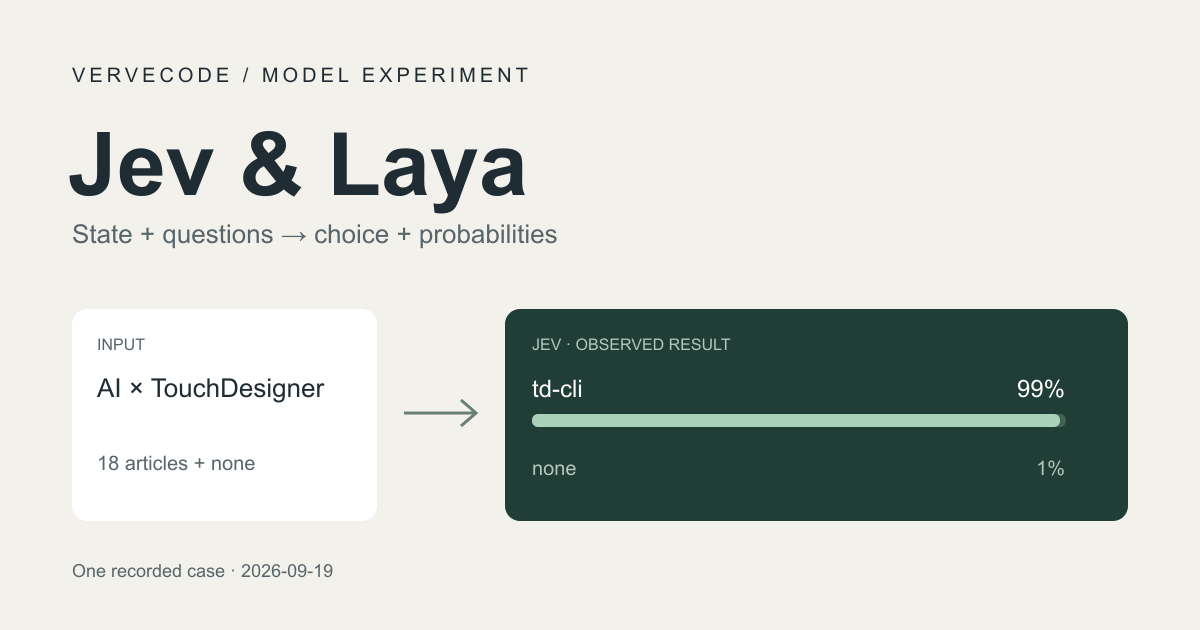
Jev and Laya are AI models built for making decisions. You give one a piece of data, a question, and the allowed answers, and you get back a choice and probabilities your code can use, such as which department should handle a support ticket.
I wanted to learn how to use models like these, so I built a standalone Decision Model Playground and used my own blog’s articles as test data. The task is “take a question and pick the best-fitting article from the list”. The answers are easy to check, and you can deliberately ask something no article covers to see whether the model forces a choice anyway.
Keep the test language in mind as you read the results. My blog is in Chinese, so the questions and the article data are in Traditional Chinese, while the instructions and the short article descriptions the models read are in English. Each question in this post appears with an English reference, which is only there for reading. I never sent the English to the models, and I did not run these tests with English questions, so the results below may not hold for them. All probabilities are the original values from the Chinese run.
How to use Jev and Laya
According to TypeSafe’s technical introduction to Jev, Jev focuses on returning predefined types and probabilities, and TypeSafe calls this kind of model System One Models. Laya offers a similar decision interface, but you can download it and run it locally.
These are the versions and setups I used. Because the test questions are in Traditional Chinese, I chose the multilingual version of Laya:
| Model | Availability | How I ran it |
|---|---|---|
Jev jev-1.13.0 |
Closed source, used through an API | The backend sends the question and options to TypeSafe |
laya-multilingual |
Open weights and SDK, model under Apache 2.0 | Local, on Windows with an RTX 3070 8GB |
The model card for multilingual Laya says it uses mmBERT-base as its encoder. Jev uses a model architecture developed by TypeSafe.
Both offer three question types. You decide first what the answer should look like, then prepare the data and the judgment request:
| Type | What you prepare | What you get back | Example use |
|---|---|---|---|
| Choice | Data, a question, candidate options | The chosen option and each option’s probability | Routing a ticket to a department |
| Score | Data, a question, ordered score descriptions | A score and each level’s probability, and the score can fall between two levels | How severe an issue is |
| Noul | Data, a statement to judge as true or false | The probability that the statement is true, between 0 and 1 | Whether steps to reproduce are included |
I tested only Choice this time. For the other types, see the official Score and Noul documentation.
Turn article selection into model input
The project builds an 18-article data snapshot from the site’s RSS feed and adds a none option for “no suitable article”, which makes each request a choice of 1 from 19. The test interface can switch models and shows every option’s probability and the time taken.
Start with the arrangement I ended up with. The models read prepared short article topics in English. The full Chinese titles, summaries, and URLs are only for display in the interface:
| Field | What it holds | Example in this test |
|---|---|---|
state |
The data to judge | 我想讓 AI 幫我操作 TouchDesigner (English reference: I want AI to operate TouchDesigner for me) |
instructions |
The judgment request | Which article best answers the reader’s question? Choose none if no article helps. |
criteria |
Option IDs and descriptions | a03 maps to TouchDesigner AI control |
Shared question-building logic produces the structure below. This example leaves out some candidates, and real requests carry all 18 articles plus none. The state value is the actual Traditional Chinese question from the table above:
1{
2  "state": "我想讓 AI 幫我操作 TouchDesigner",
3  "questions": {
4    "recommendation": {
5      "type": "choice",
6      "instructions": "Which article best answers the reader's question? Choose none if no article helps.",
7      "criteria": {
8        "a01": "Astro Cloudflare build cache",
9        "a03": "TouchDesigner AI control",
10        "a12": "Unity VS Code integration",
11        "none": "No relevant article"
12      }
13    }
14  }
15}
a03 is the ID the program uses to look up the article, and the description gives the model the topic it needs to judge. none is a real option in the choice, so the model can answer that none of these articles fit. This matches the advice in the official Choice documentation to add an “other” option when your candidates may be incomplete.
The same question goes to each model:
- Jev call implementation: adds a
modelfield and sends the request tohttps://api.typesafe.ai/v1/systemone. - Laya inference implementation: passes
stateandquestionsto the localagent.predict().
On this question, Jev chose a03 with a probability of 0.99, gave none 0.01, and gave the other 17 articles 0. This excerpt shows the choice and the non-zero probabilities:
1{
2  "choice": "a03",
3  "probabilities": {
4    "a03": 0.99,
5    "none": 0.01
6  }
7}
The program then uses a03 to look up the title and URL of the td-cli article. The model doesn’t have to generate a URL or write an answer, but it can still pick the wrong article.
99% is the choice probability among these candidates. It doesn’t mean there is a 99% chance that the article solves the problem. Jev also provides confidence, which the official Confidence documentation describes as a summary value calculated from the shape of the distribution. My interface shows only probabilities.
Laya input changes and test differences
The input structure above is the adjusted version. The first version put all the article descriptions in state. I tested it with four questions on TouchDesigner, Astro, Unity, and pasta, and it surprisingly chose the Minecraft commands article for all four.
GPT-6 Astra then adjusted the input, changing two things:
statekeeps only the input question.- The article descriptions move to
criteriaand are shortened to brief English topics.
After the change, the TouchDesigner question chose td-cli, and the pasta question switched to recommending nothing. Because I changed the position and the descriptions at the same time, I can’t tell which one made the difference.
Checking the SDK also showed that Laya truncates input on its own. SDK 0.3.3 and the model configuration used here have three levels of length limits:
| Scope | Limit |
|---|---|
| Overall input | At most 1,024 tokens |
| Question and option area | A budget of 256 tokens, and option markers take up space too |
| Individual option | Limited to 48 tokens first, and shortened further when the option area runs out |
So the project added a length check before inference, which asks for shorter input if anything would be truncated. That way a successful response isn’t mistaken for the model having read all the data. This is also why I use short topics, but I have no evidence that truncation directly caused the first round of wrong answers.
Next I ran the same four questions through Jev and compared them with the earlier Laya validation log, which is in Traditional Chinese. Both sides used the same article snapshot and the adjusted questions. The questions were sent in Chinese, and the percentages are the probability of the chosen answer:
| Question as tested | English reference | Expected by me | Laya after adjustment | Jev |
|---|---|---|---|---|
| 我想讓 AI 幫我操作 TouchDesigner | I want AI to operate TouchDesigner for me | td-cli | td-cli, 96.13% | td-cli, 99% |
| Astro 網站每次部署都要很久,怎麼加速? | My Astro site takes a long time to deploy every time. How do I speed it up? | Astro build cache | none, 28.28% | Astro build cache, 99% |
| 如何讓 Unity 使用 VS Code 寫 C#? | How do I get Unity to use VS Code for writing C#? | Unity editor integration | none, 21.31% | Unity editor integration, 99% |
| 怎麼煮出好吃的義大利麵? | How do I cook good pasta? | none | none, 55.50% | none, 100% |
Jev matched the expected answer on all four, and Laya missed Astro and Unity. This also shows that adding none only lets a model decline to pick an article. It doesn’t guarantee that the model knows when to decline.
I then tried a few more phrasings on Jev, again in Traditional Chinese, to see whether it still picked the same article when the description changed:
- Astro question with image processing and Cloudflare Pages caching added: it still chose the cache article, at 96%.
- Unity question with VS Code replaced by Cursor: it still chose the editor integration article, with the probability down to 78% and another 18% on
none. - Questions about React Hooks and a tomato and egg stir-fry recipe, neither of which the articles cover: both chose
none.
The Cursor question deserves a closer look. The article includes Cursor settings, but the short description sent to the model is only Unity VS Code integration. The short description does leave out Cursor, but I can’t confirm that this is why the probability dropped.
The whole Jev round was 9 requests with 8 different questions, and every choice matched what I expected. This is a small comparison, and the first four questions also played a part in adjusting the input, so it can’t serve as an overall accuracy figure.
Latency and trial cost
I recorded the two models’ times separately. Laya has to load the model the first time, then reuses the same instance. Jev calls a remote service over the network every time:
| Measurement | Result in this test |
|---|---|
| Laya first load | About 10 seconds |
| Laya inference for the four questions after loading | About 24 to 165 ms, including SDK processing and local GPU inference |
| Nine Jev API round trips | About 570 to 852 ms, median about 629 ms, including network and remote processing |
These measurements cover different things. They help you judge how long you’d actually wait, but you can’t compare them directly as pure model speed.
To try Jev, you can apply for the waitlist on the TypeSafe website. I applied by email, received an approval notice about a day later, and got a US$5 trial credit after registering, so I could connect it to a small project right away.
As of September 19, 2026, the published price is US$0.042 per million input tokens, with output free. These nine test requests used 5,726 input tokens in total, an estimated cost of about US$0.00024.
Development process
I handed the whole implementation and all the experiments for Decision Model Playground to GPT-6 Astra, with reasoning effort set to Light effort. It produced the article data snapshot, the code that calls both models, the Laya input changes and length check, and the tests in this post’s tables. I only adjusted the design direction when results didn’t meet my needs. The project’s README, written in Traditional Chinese, has the local setup steps. It currently provides a Windows PowerShell install and uses NVIDIA CUDA by default.
Summary
Using article recommendation as the test made it easier to see what data a decision model needs and what its probabilities mean. On the same Traditional Chinese questions, Jev chose correctly on all four, while Laya needs extra checks on input position, description length, and truncation. I did not test English questions.