Table of contents
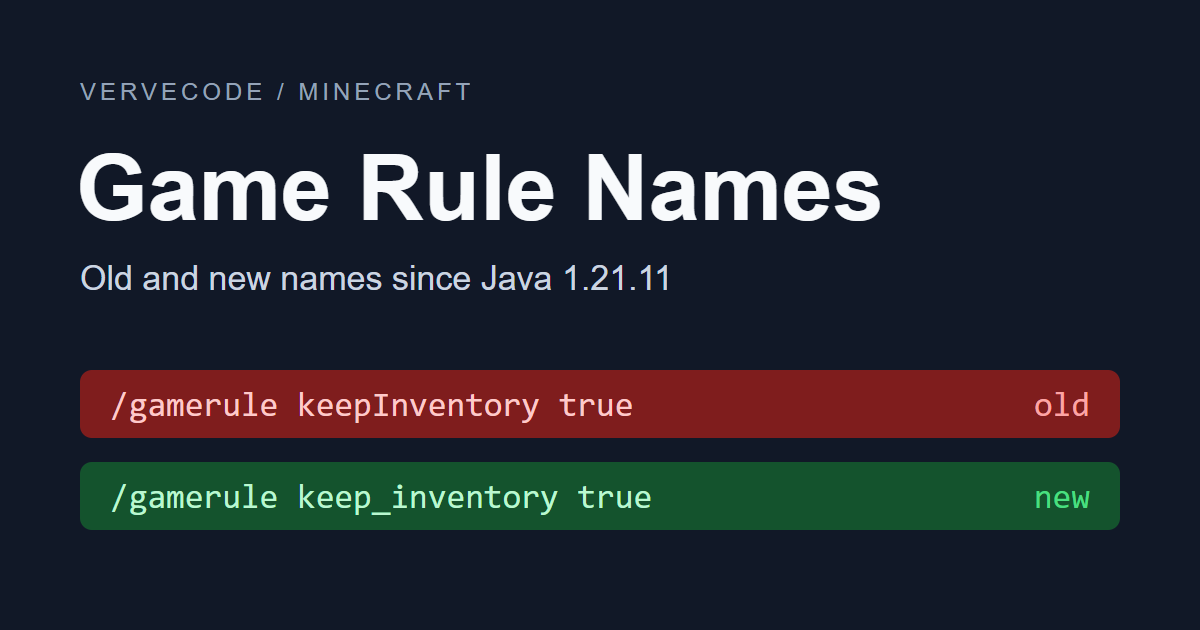
The keep-inventory command /gamerule keepInventory true stops working in Java Edition 1.21.11 and later, and the game answers “Incorrect argument for command”. Java Edition renamed almost every game rule in 1.21.11, so the commands in older guides and notes no longer run. Swap in the new rule name, for example /gamerule keep_inventory true, and the command works again.
Rule names by version
Java Edition shows its version number in the bottom-left corner of the main menu. A server prints it on the Starting minecraft server version line of the startup log. Once you know the version, pick the rule name that matches it:
| Version | Rule names | Keep inventory command |
|---|---|---|
| Java 1.21.10 and earlier | Old names | /gamerule keepInventory true |
| Java 1.21.11 and later, including 26.x | New names, lowercase with underscores | /gamerule keep_inventory true |
| Bedrock Edition | Old names, not case-sensitive | /gamerule keepinventory true |
Bedrock Edition doesn’t accept the new names and shows a syntax error. If you see “Unknown or incomplete command. See below for error”, the rule name isn’t the problem. First check that cheats are on for the world or that your account has operator permissions. The conditions are listed in Minecraft commands list.
New names for common rules
The command format hasn’t changed. It is still /gamerule <rule name> <value>, so you only swap the rule name. To restore a default, flip true and false:
| What it does | Java 1.21.10 and earlier, and Bedrock Edition | Java 1.21.11 and later |
|---|---|---|
| Keep inventory and experience on death | /gamerule keepInventory true |
/gamerule keep_inventory true |
| Mobs don’t grief terrain (mob griefing off) | /gamerule mobGriefing false |
/gamerule mob_griefing false |
| Stop the day-night cycle | /gamerule doDaylightCycle false |
/gamerule advance_time false |
| Stop weather changes | /gamerule doWeatherCycle false |
/gamerule advance_weather false |
| Don’t spawn phantoms | /gamerule doInsomnia false |
/gamerule spawn_phantoms false |
| Turn off fall damage | /gamerule fallDamage false |
/gamerule fall_damage false |
The full commands for other rules, such as the sleeping percentage and the respawn radius, and for commands that were not renamed, such as switching game modes and night vision, are in Minecraft commands list.
Rules with inverted values or numeric values
Village raids and fire spread can’t be fixed by renaming alone. The old rule disableRaids means “disable”, and the new rule raids means “enable”, so you have to swap true and false. Bedrock Edition has no raids rule.
doFireTick was removed. Fire spread is now controlled by fire_spread_radius_around_player, whose value is the number of blocks around a player in which fire can spread. Bedrock Edition keeps using dofiretick. According to the Minecraft Wiki’s game rule page, the default value is 128, 0 means fire doesn’t spread, and -1 means there is no distance limit:
| What it does | Java 1.21.10 and earlier | Java 1.21.11 and later |
|---|---|---|
| Disable village raids | /gamerule disableRaids true |
/gamerule raids false |
| Restore village raids | /gamerule disableRaids false |
/gamerule raids true |
| Turn off fire spread | /gamerule doFireTick false |
/gamerule fire_spread_radius_around_player 0 |
| Restore fire spread | /gamerule doFireTick true |
/gamerule fire_spread_radius_around_player 128 |
Old worlds and data packs
When you upgrade an old world to a new version, the rules you had set are converted automatically, so you don’t need to type the commands again. Keep inventory stays on, doFireTick false becomes a radius of 0, and disableRaids true becomes raids false.
Old names written in command blocks and data pack functions are not converted. If you keep using them, this is what happens:
| Where | Result with an old name |
|---|---|
| Command block | The command fails and the rule keeps its current value |
| Data pack function | One line with an old name keeps the whole function from loading. The server logs Failed to load function at startup, and running it shows Unknown function |
Open the command blocks and the .mcfunction files of your data packs, search for gamerule, and swap each rule for its new name. Flip the values of the rules with inverted values at the same time.
Full name mapping
For a rule that isn’t listed above, look up the new name from the old one. The table is sorted by old name. The first column is the in-game name from the English language file (en_us.json). The name of pvp didn’t change, so it isn’t in the table:
| In-game name | Java 1.21.10 and earlier | Java 1.21.11 and later |
|---|---|---|
| Allow Nether | allowEnteringNetherUsingPortals |
allow_entering_nether_using_portals |
| Announce advancements | announceAdvancements |
show_advancement_messages |
| In block interaction explosions, some blocks won’t drop their loot | blockExplosionDropDecay |
block_explosion_drop_decay |
| Broadcast command block output | commandBlockOutput |
command_block_output |
| Enable Command Blocks | commandBlocksEnabled |
command_blocks_work |
| Command modification block limit | commandModificationBlockLimit |
max_block_modifications |
| Do elytra movement check (inverted value) | disableElytraMovementCheck |
elytra_movement_check |
| Do player movement check (inverted value) | disablePlayerMovementCheck |
player_movement_check |
| Do raids (inverted value) | disableRaids |
raids |
| Advance time of day | doDaylightCycle |
advance_time |
| Drop entity equipment | doEntityDrops |
entity_drops |
| Fire spread radius (value is now a number) | doFireTick |
fire_spread_radius_around_player |
| Respawn immediately | doImmediateRespawn |
immediate_respawn |
| Spawn phantoms | doInsomnia |
spawn_phantoms |
| Require recipe for crafting | doLimitedCrafting |
limited_crafting |
| Drop mob loot | doMobLoot |
mob_drops |
| Spawn mobs | doMobSpawning |
spawn_mobs |
| Spawn pillager patrols | doPatrolSpawning |
spawn_patrols |
| Drop blocks | doTileDrops |
block_drops |
| Spawn Wandering Traders | doTraderSpawning |
spawn_wandering_traders |
| Vines spread | doVinesSpread |
spread_vines |
| Spawn Wardens | doWardenSpawning |
spawn_wardens |
| Update weather | doWeatherCycle |
advance_weather |
| Deal drowning damage | drowningDamage |
drowning_damage |
| Thrown Ender Pearls vanish on death | enderPearlsVanishOnDeath |
ender_pearls_vanish_on_death |
| Deal fall damage | fallDamage |
fall_damage |
| Deal fire damage | fireDamage |
fire_damage |
| Forgive dead players | forgiveDeadPlayers |
forgive_dead_players |
| Deal freeze damage | freezeDamage |
freeze_damage |
| Global sound events | globalSoundEvents |
global_sound_events |
| Keep inventory after death | keepInventory |
keep_inventory |
| Lava converts to source | lavaSourceConversion |
lava_source_conversion |
| Enable player Locator Bar | locatorBar |
locator_bar |
| Broadcast admin commands | logAdminCommands |
log_admin_commands |
| Command chain size limit | maxCommandChainLength |
max_command_sequence_length |
| Command context limit | maxCommandForkCount |
max_command_forks |
| Entity cramming threshold | maxEntityCramming |
max_entity_cramming |
| Minecart max speed | minecartMaxSpeed |
max_minecart_speed |
| In mob explosions, some blocks won’t drop their loot | mobExplosionDropDecay |
mob_explosion_drop_decay |
| Allow destructive mob actions | mobGriefing |
mob_griefing |
| Regenerate health | naturalRegeneration |
natural_health_regeneration |
| Player’s Nether Portal delay in creative mode | playersNetherPortalCreativeDelay |
players_nether_portal_creative_delay |
| Player’s Nether Portal delay in non-creative mode | playersNetherPortalDefaultDelay |
players_nether_portal_default_delay |
| Sleep percentage | playersSleepingPercentage |
players_sleeping_percentage |
| Projectiles can break blocks | projectilesCanBreakBlocks |
projectiles_can_break_blocks |
| Random tick speed rate | randomTickSpeed |
random_tick_speed |
| Reduce debug info | reducedDebugInfo |
reduced_debug_info |
| Send command feedback | sendCommandFeedback |
send_command_feedback |
| Show death messages | showDeathMessages |
show_death_messages |
| Snow accumulation height | snowAccumulationHeight |
max_snow_accumulation_height |
| Enable Spawner Blocks | spawnerBlocksEnabled |
spawner_blocks_work |
| Spawn Monsters | spawnMonsters |
spawn_monsters |
| Respawn location radius | spawnRadius |
respawn_radius |
| Allow spectators to generate terrain | spectatorsGenerateChunks |
spectators_generate_chunks |
| Allow TNT to be activated and to explode | tntExplodes |
tnt_explodes |
| In TNT explosions, some blocks won’t drop their loot | tntExplosionDropDecay |
tnt_explosion_drop_decay |
| Universal anger | universalAnger |
universal_anger |
| Water converts to source | waterSourceConversion |
water_source_conversion |
max_minecart_speed only works with the Minecart Improvements experiment turned on. In a regular world, querying it also shows “Incorrect argument for command”.
Test notes
The test environment was Java Edition 26.3 and a Bedrock Edition 1.26.61 server console. The console prints English messages such as Incorrect argument for command, the same text as the English language file.
The full name mapping comes from GameRuleRegistryFix, the class in the 26.3 server that upgrades worlds, and each rule was then queried in the console. Except for max_minecart_speed, every new name returned its current value and every old name was rejected. On Bedrock Edition, both keepinventory and keepInventory work, while keep_inventory and raids show a syntax error.
The old-world upgrade test used a hand-made 1.21.10 level.dat with 10 rules set. A 26.3 server upgraded it, and querying the rules afterward gave the same results as this article describes. The command block test placed a block from the console and queried SuccessCount. An old name gave 0, and a new name gave 1.
Summary
When an old gamerule command fails, swap the rule for its new name, and fix the old names in command blocks and data packs too. On a Java 26.3 console, old names were rejected, and the rule settings of upgraded old worlds were all kept.